
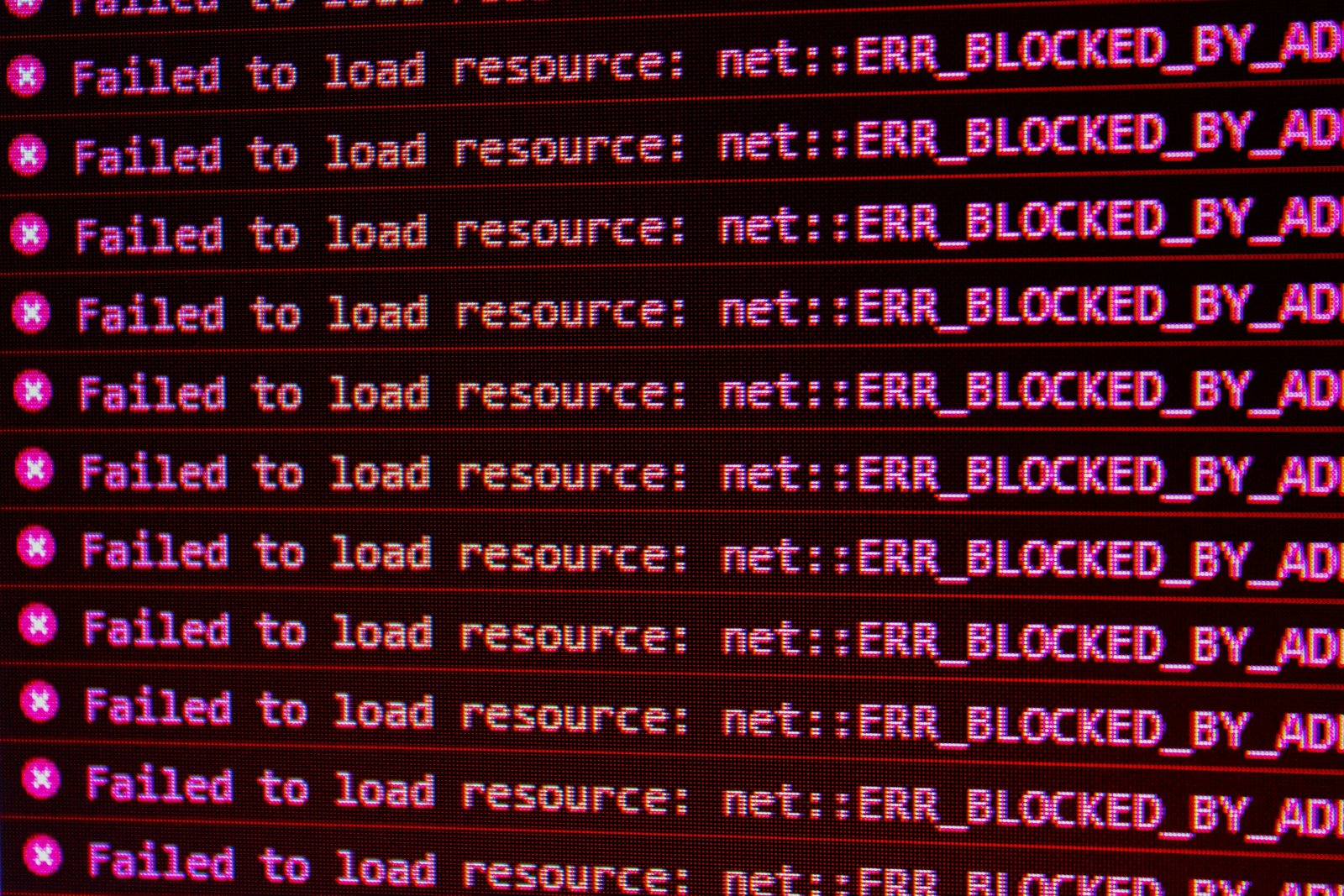
Why your app sync keeps breaking almost always comes down to one of a handful of causes, and most of them aren’t actually bugs. App sync problems between your accounting software and the tools connected to it, payment processors, e-commerce platforms, time tracking, follow predictable patterns. Here’s what actually causes them, in order of how often each is the real culprit, and what to check before assuming something is broken for good.
Last verified: September 2026.
Why your app sync keeps breaking: the most common causes
Before diving into each cause individually, it helps to know the order to check them in. Expired tokens account for the majority of sudden, unexplained sync failures. API changes and field mapping issues come next, usually after something changed on one connected platform. Rate limits and duplicate records round out the list, more common at higher transaction volume than for a typical small business just starting to connect apps.
Authentication tokens expire, silently
Most integrations connect through an authorization token rather than your actual login credentials, and these tokens expire periodically for security reasons, sometimes after 60 or 90 days, sometimes sooner if a password changes on either end. When a sync stops working with no error message and no obvious cause, an expired token is the most common reason. The fix is almost always disconnecting and reconnecting the integration from scratch, which generates a fresh token.
One side updates its API, the other hasn’t caught up
Software companies update their APIs regularly, and integrations built against an older version sometimes break when one side changes something the connection depended on. This is more common with smaller or less actively maintained apps than with major platforms, since bigger companies tend to give more advance notice and maintain backward compatibility longer. If a sync that worked for months suddenly breaks with no changes on your end, check whether either connected app pushed a recent update.

Data doesn’t map the way you’d expect
A sync can run successfully and still produce wrong results if a field on one platform doesn’t map cleanly to the equivalent field on the other. A common example: a custom product category in your e-commerce platform that has no matching category in your accounting software, so items land in the wrong place or don’t sync at all. This isn’t a connection failure, it’s a configuration mismatch, and it needs to be fixed in the integration’s field-mapping settings, not by disconnecting and reconnecting.
Rate limits and timing conflicts
Most APIs cap how many requests an integration can make in a given period. A business running a high volume of transactions can occasionally hit that limit, causing some records to sync late or not at all in that cycle. This usually resolves on its own in the next sync cycle, but if it happens repeatedly, it’s worth checking whether the integration offers a way to space out sync frequency or prioritize which data syncs first.
Duplicate or conflicting records
When the same customer, invoice, or transaction exists on both platforms with slightly different details, entered manually on one side after already syncing from the other, integrations often don’t know which version is correct and either duplicate the record or fail to sync it at all. This is more of a workflow problem than a technical one: pick one platform as the source of truth for each type of record and enter data there first, letting the sync handle the rest, rather than entering the same information in both places.

How to diagnose a broken sync systematically
- Check the integration’s own status page or dashboard first. Most integration platforms show a sync log with specific error messages, which is far more useful than guessing from the accounting software side alone.
- Reconnect the integration before troubleshooting further. This alone fixes the majority of “randomly stopped working” cases, since it resolves expired tokens without you needing to diagnose the exact cause.
- Check for recent changes on either platform. A new product category, a renamed field, a plan change, anything that shifted recently is a more likely cause than the integration breaking on its own.
- Look for a specific error message, not just “sync failed.” A vague failure notice usually has a more detailed log entry available if you dig into the integration’s own interface rather than the summary notification.
When to stop troubleshooting and contact support
If a sync fails consistently after reconnecting and confirming there’s no obvious field mismatch or rate limit issue, it’s worth contacting the integration provider’s support directly rather than continuing to guess. Have your specific error message and the approximate time the sync started failing ready, that context speeds up their diagnosis significantly compared to a general “it’s not working” report.
Payment integrations are one of the most common sync points to break, if that’s the connection giving you trouble, our invoicing and payments guide covers the payment side directly.
Reducing how often this happens
Fewer, more essential integrations break less often in aggregate simply because there’s less surface area for something to go wrong. Before connecting a new app to your accounting software, weigh whether the integration is solving a real recurring problem versus a one-time task that might be faster done manually. A smaller, more stable stack of connected apps is usually more reliable than a larger one with more moving parts.
Every additional connected app is also an additional line item to account for. See our complete guide to small business software costs for how integrations factor into your real monthly spend.
Frequently asked questions
Why did my integration stop working with no warning?
An expired authentication token is the most common cause. Disconnect and reconnect the integration first, it resolves this without needing to identify the exact underlying cause.
Is a broken sync a sign my accounting software has a bug?
Rarely. Most sync failures come from the connection between two systems, expired tokens, API changes, field mapping, rather than a defect in either platform individually.
Should I sync everything or be selective about what connects?
Be selective. Every additional integration is another point where something can break. Connect only the tools that save meaningful time or prevent real errors, not every app that offers a connection option.
Can duplicate records from a broken sync be cleaned up safely?
Usually yes, most accounting platforms let you merge or delete duplicate records manually, but do this carefully and ideally after confirming which version has the correct, complete information rather than deleting at random.
This site is independent and is not affiliated with, endorsed by, or sponsored by any specific software company mentioned or implied here. All product names, logos, and brands are property of their respective owners.