

For most independent restaurants, the best accounting software for restaurants is QuickBooks Online paired with your point of sale, because it is affordable, familiar to accountants, and connects to the systems restaurants already use. Larger or multi-location operators often do better with a restaurant-specific platform. Here is how to choose based on how you run your business.
Last verified: September 2026.
Why restaurants need more than generic bookkeeping
A restaurant has hundreds of small transactions every day, thin margins, and costs that swing week to week. Standard accounting software records the numbers, but it does not automatically answer the questions restaurant owners actually ask.
- What is my food cost percentage this week?
- What are my labor costs as a share of sales?
- Where did tips, refunds, and comps go?
- What did the delivery apps really pay out after their commissions?
The best choice is the one that answers those questions without a weekend of spreadsheet work.
Best accounting software for restaurants compared
| Option | Best for | Strength | Watch out for |
|---|---|---|---|
| QuickBooks Online with your POS | Single-location and small restaurants | Familiar to most accountants, large app network | Food cost and inventory need extra tools |
| QuickBooks Online plus an invoice and food cost tool (such as MarginEdge) | Restaurants that want cost tracking without switching accounting | Captures supplier invoices and tracks food cost | An extra subscription on top of accounting |
| Restaurant-specific platform (such as Restaurant365) | Multi-location or larger operators | Accounting, inventory, and scheduling in one place | Higher cost and more setup, quote-based pricing is common |
| Xero | Owners who prefer Xero and have simple needs | Clean interface, good bank feeds | Fewer restaurant-specific integrations |
Vendors change plans and pricing often, so confirm current costs directly with each company. For the QuickBooks side, our guide to QuickBooks pricing and every plan covers what each tier includes.

QuickBooks Online for a single-location restaurant
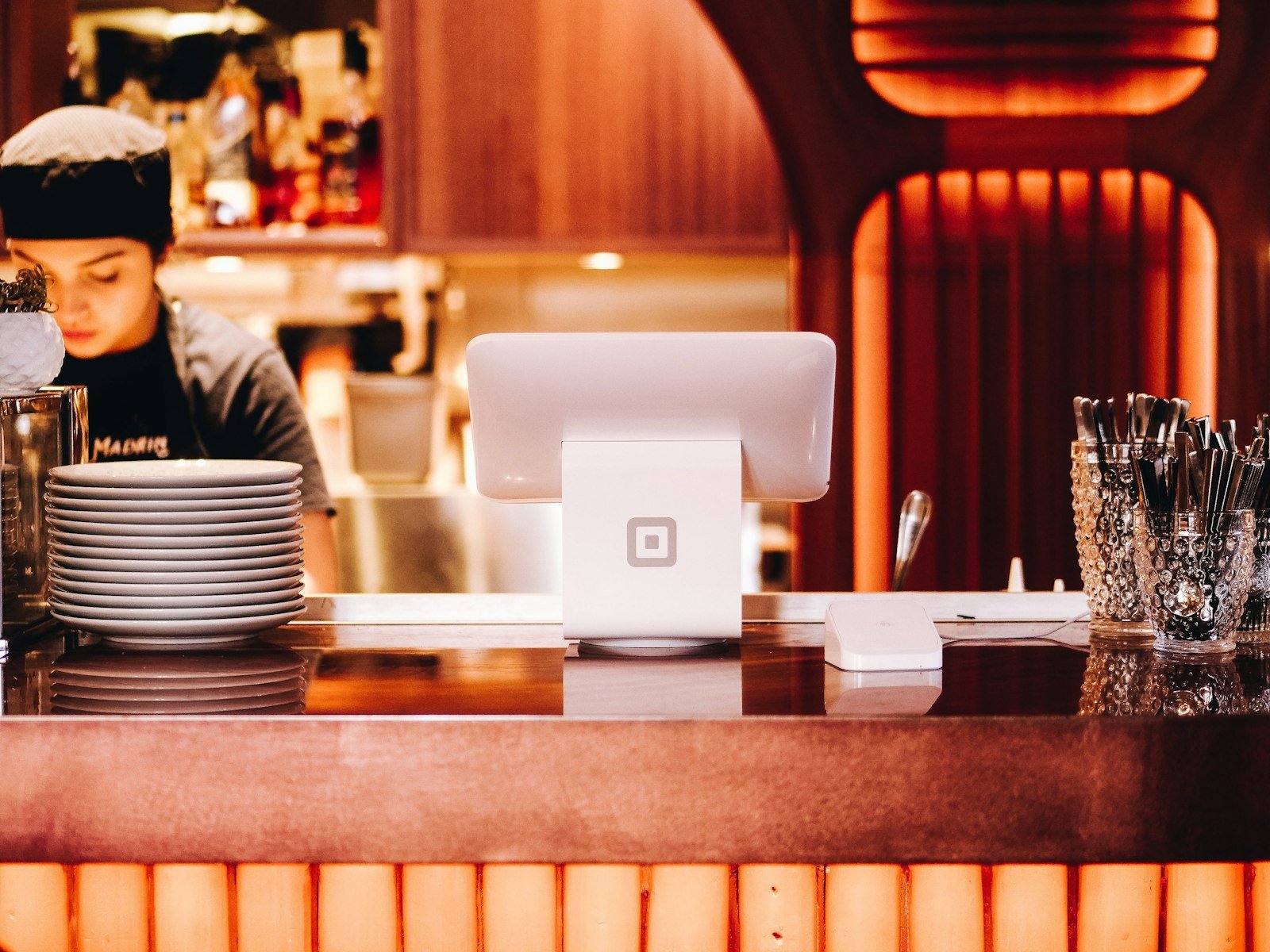
QuickBooks Online works well for a restaurant with a straightforward setup. Toast and Square both offer accounting integrations, and most bookkeepers and CPAs already know QuickBooks, which makes it easy to hand off the books. With bank feeds, bank rules, and a well-built chart of accounts, it handles the daily routine without much effort.
The main weakness is that QuickBooks does not manage recipes, ingredient-level inventory, or theoretical food cost on its own. Restaurants that care about those numbers normally add a specialist tool on top.
Set up your sales sync the right way
The most common restaurant setup mistake is importing every check as its own transaction. That floods the books with thousands of small entries. A better approach is to sync a daily sales summary, broken out by category, tender type, taxes, tips, and fees. The daily summary should then match your bank deposits after processor fees. Our guide to connecting Shopify to QuickBooks explains the same summary-versus-individual decision for online sellers, and the logic is nearly identical for a POS.
Handle payment fees and payouts correctly
Card processors deposit your sales minus their fees, and often on a delay. If you record only the net deposit, you understate both your sales and your processing costs. Record gross sales as income and the fees as a separate expense. Our guides on Square fees and payment processing fees by pricing model explain what you are really paying and how to record it.
Tips, tax, and delivery apps
These three items cause most restaurant bookkeeping errors.
- Tips. Tips collected on cards belong to your staff, so they are a liability until paid out, not income. Track them in a liability account and clear it when you pay tips through payroll or cash.
- Sales tax. Prepared food is often taxed differently from other items, and rules vary by state and city. See our guide on setting up sales tax in QuickBooks for your state.
- Delivery platforms. DoorDash, Uber Eats, and similar apps pay you net of commissions, and often lump many orders into one deposit. Record the gross sales and the commission separately, or your margins will look better than they are.
When a restaurant-specific platform is worth it
Restaurant-specific systems make sense when the problems above stop being annoyances and start costing money. Consider one if you run more than one location, manage a large menu with tight food cost targets, need integrated inventory and scheduling, or want daily profit reporting without manual work. They usually cost more, and the setup is heavier. For a single location with a stable menu, QuickBooks plus a cost tool is often enough.
How to choose based on your restaurant
- One location, simple menu: QuickBooks Online connected to your POS.
- One location, tight margins: QuickBooks Online plus a food cost and invoice tool.
- Several locations or a growing group: a restaurant-specific platform.
- Already on another system: price out the move first, using our guide to the hidden costs of switching accounting software.
If you are still comparing options across industries, our guide to the best accounting software by business type puts restaurants in context.
Frequently asked questions
Is QuickBooks good for restaurants?
It is a good fit for single-location restaurants, especially when connected to the point of sale. It does not track recipes or ingredient-level inventory by itself, so many owners add a separate food cost tool.
Do I need special software to track food cost?
Not required, but it helps. Food cost is the biggest lever in most restaurants, and tracking it weekly from supplier invoices is hard to do by hand.
How should I record tips in QuickBooks?
Record tips collected on cards in a liability account, then clear it when you pay them out. Tips are not restaurant income, so they should not appear in your sales.
Should a restaurant hire a bookkeeper?
Many do, particularly once payroll, tips, and multiple deposits get complicated. Our comparison of bookkeeper vs software costs shows how to weigh it.
This site is independent and is not affiliated with, endorsed by, or sponsored by Intuit Inc., Xero, Toast, Square, MarginEdge, or Restaurant365. QuickBooks® is a registered trademark of Intuit Inc. All product names, logos, and brands are property of their respective owners.